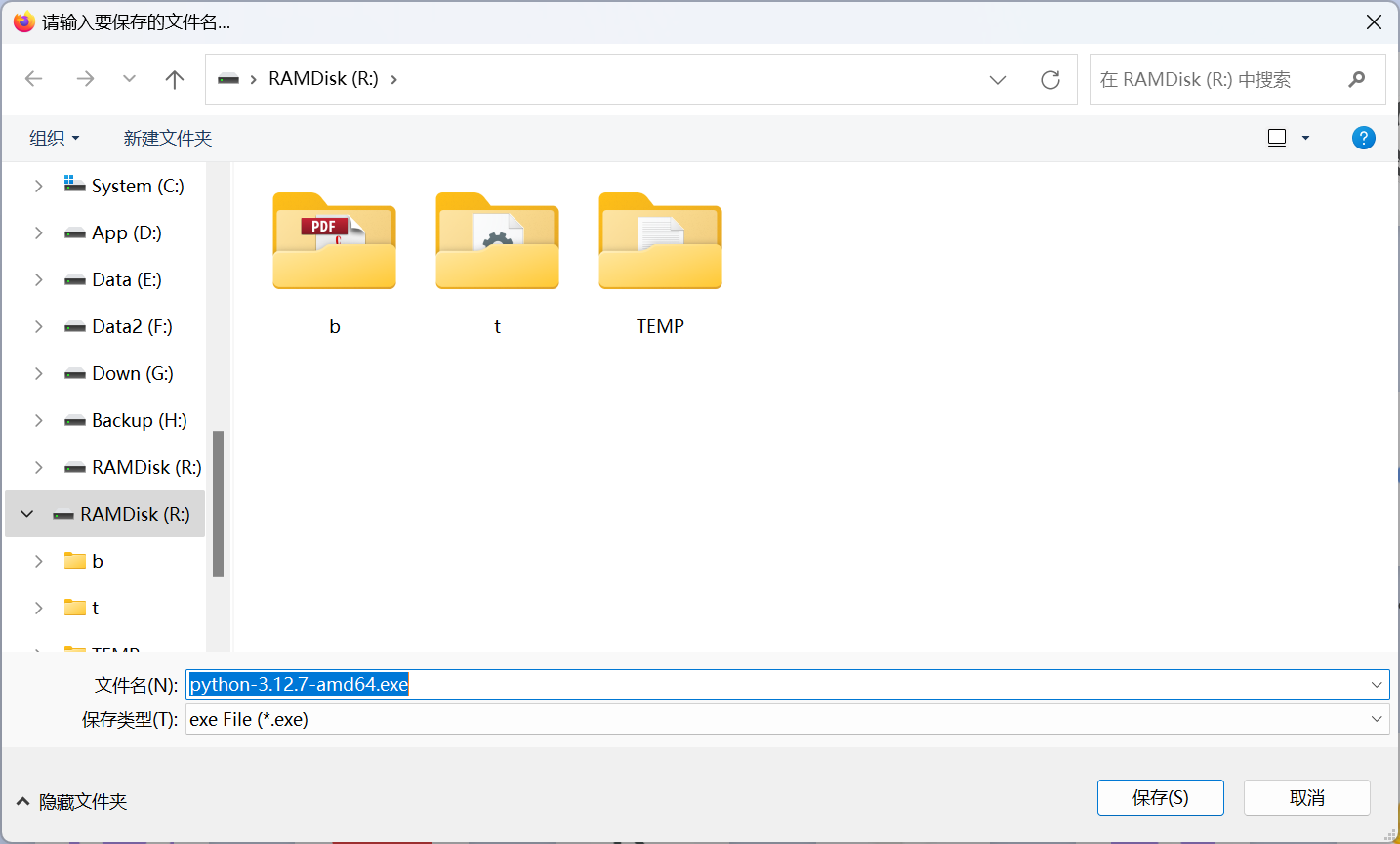
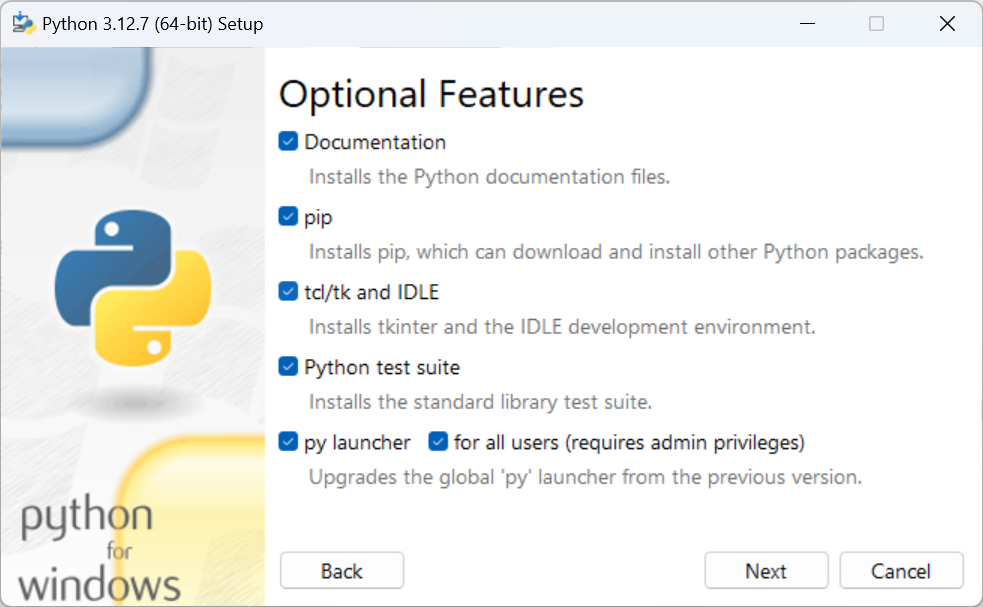
- Install Python
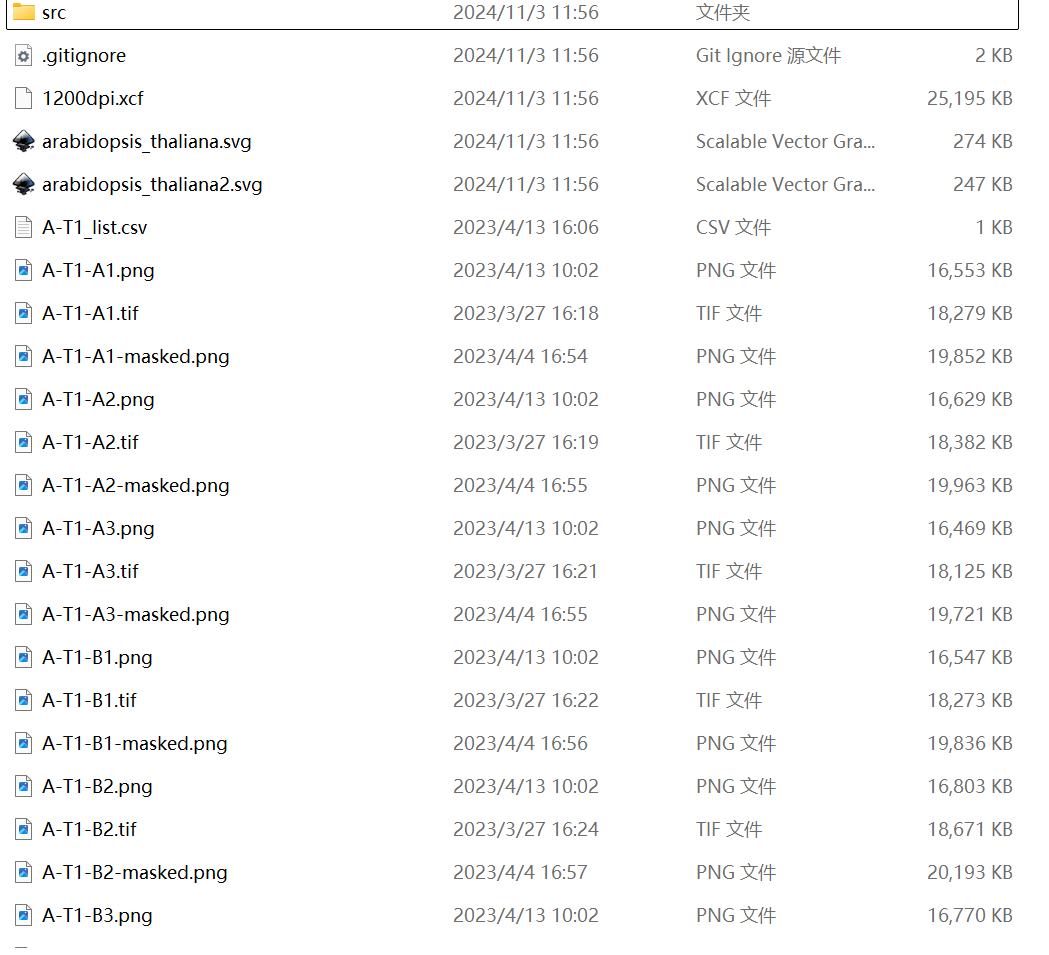
- Download PyGUS sourcecode and unpack to a folder.
- Put PyGUS result files in the folder.
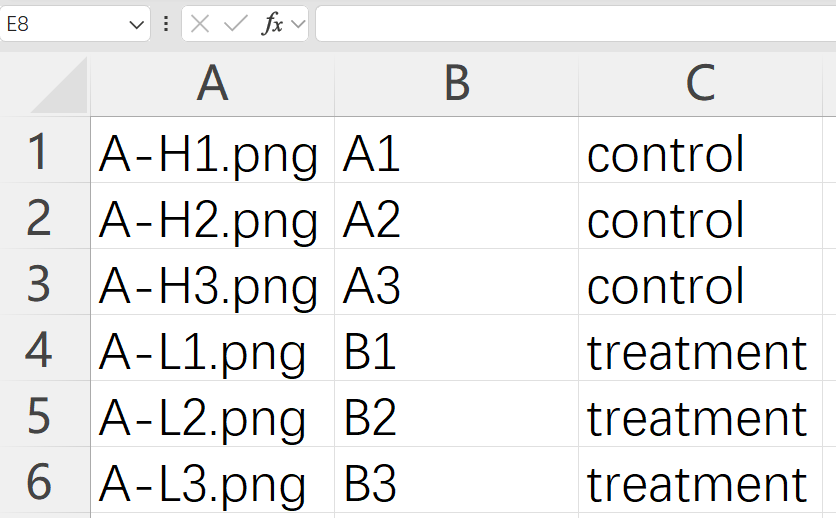
- Edit “stats_input.csv“, add the group information.
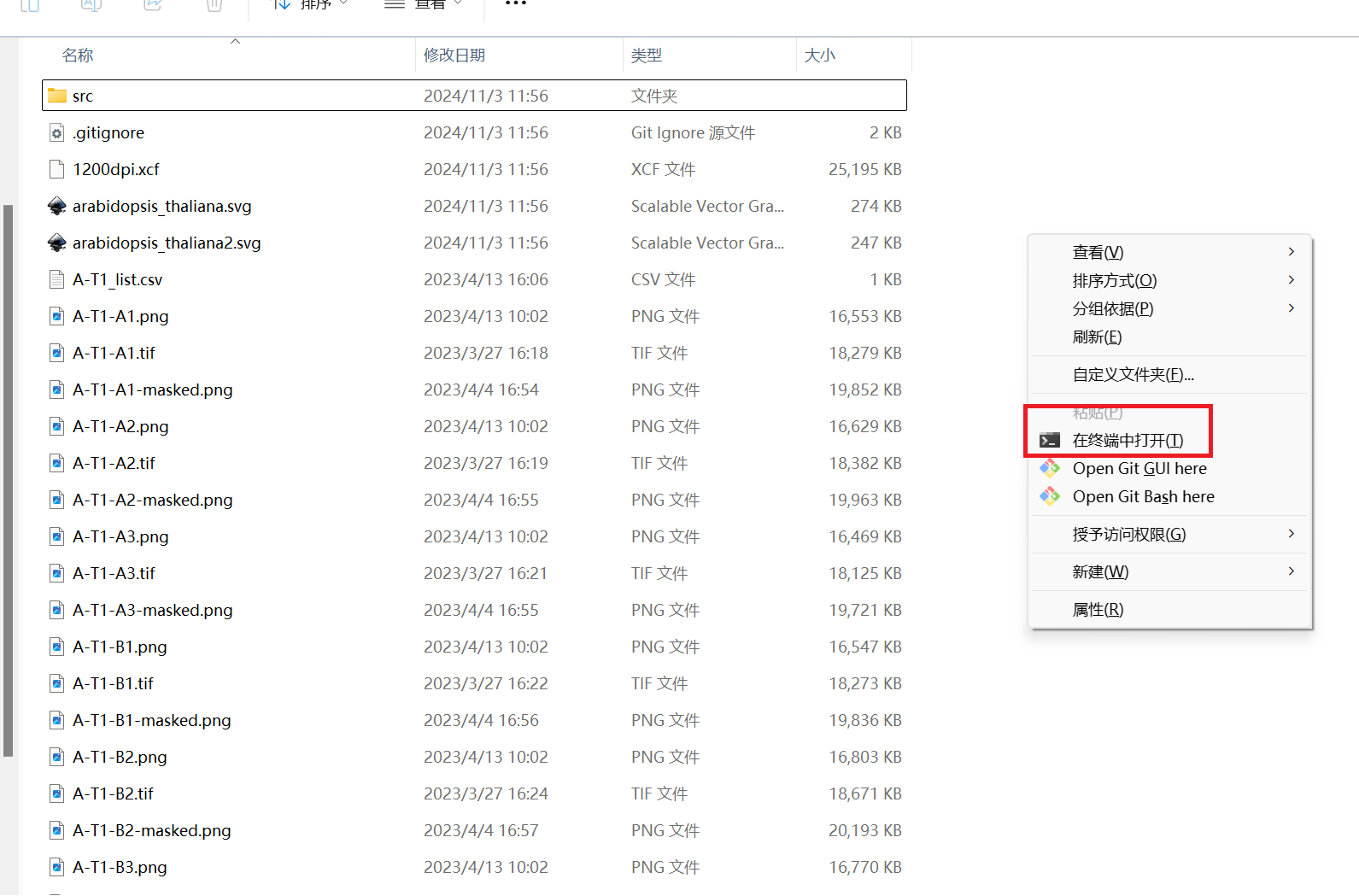
- Open Terminal in the folder (right click -> “Open terminal here“)
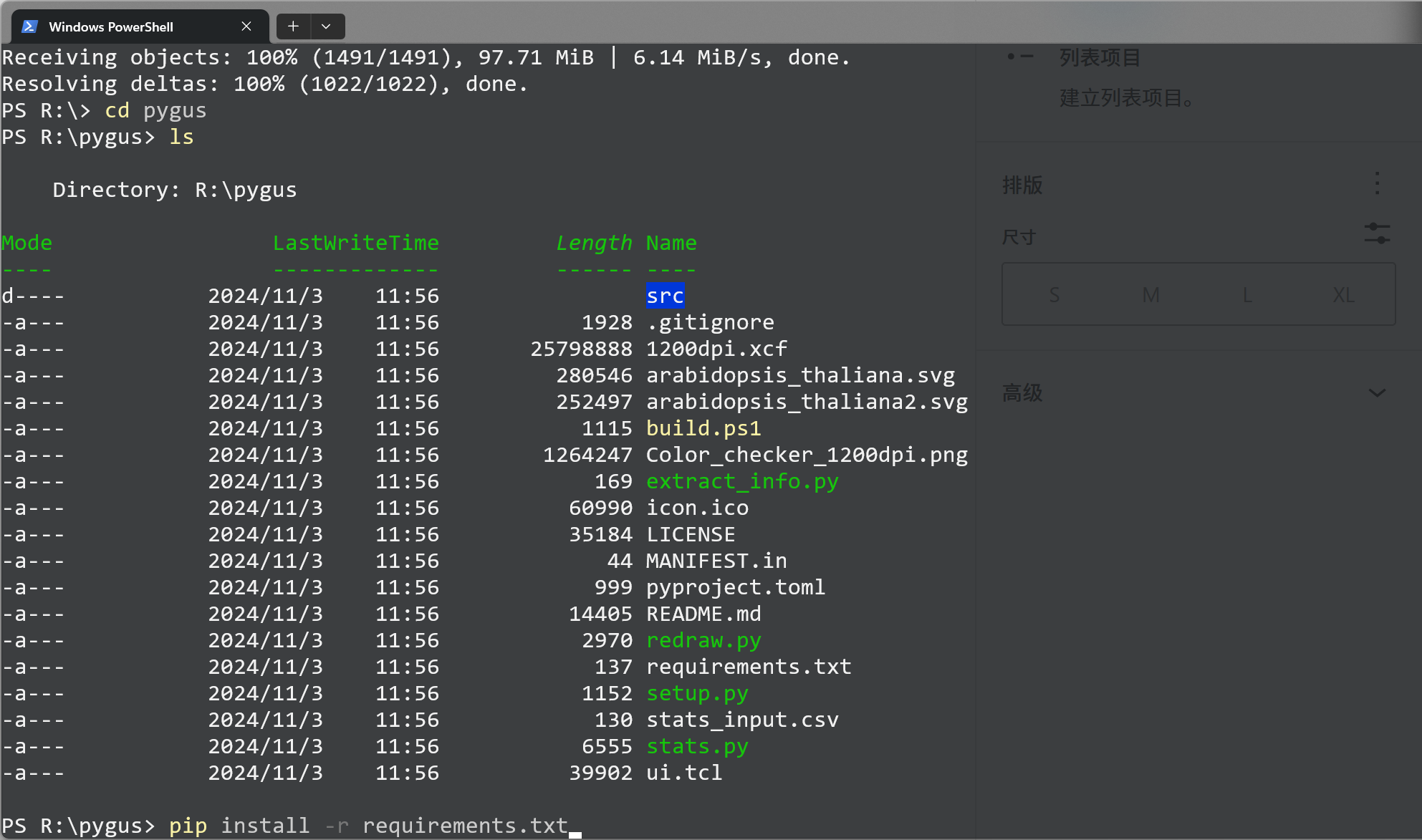
- Input “pip install -r requirements.txt” and press Enter.
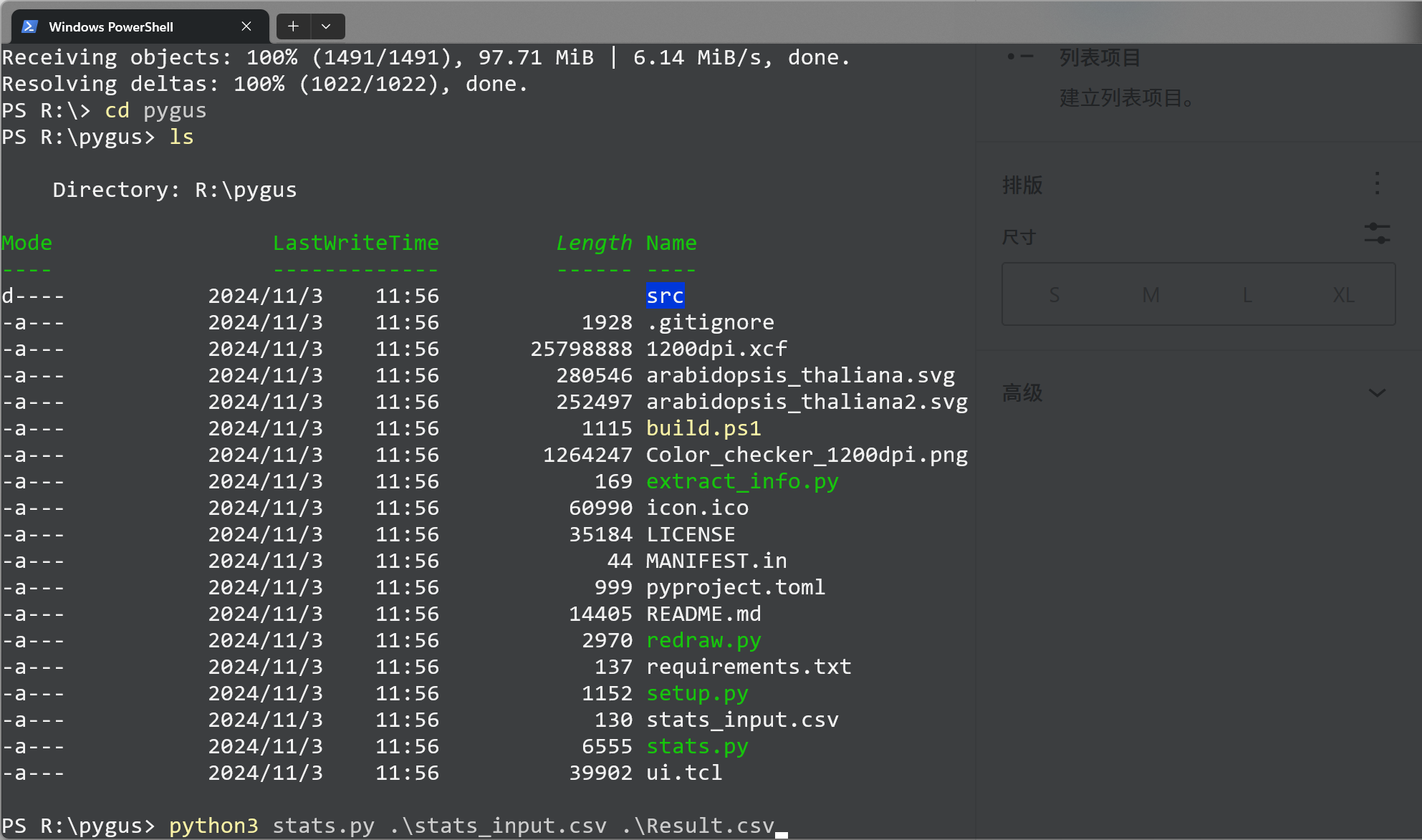
- Input “python3 stats.py stats_input.csv Result.csv” and press Enter.